
The questionnaire form is formatted as it is displayed in the Questionnaire Form Setup dialog box. If you want a blank line to appear on the questionnaire form, you must insert the blank line in the dialog box.
To insert a blank line in a questionnaire form
1. In the Questionnaire Setup dialog box, create a new form or edit a form.
The Questionnaire Form Setup dialog box appears.
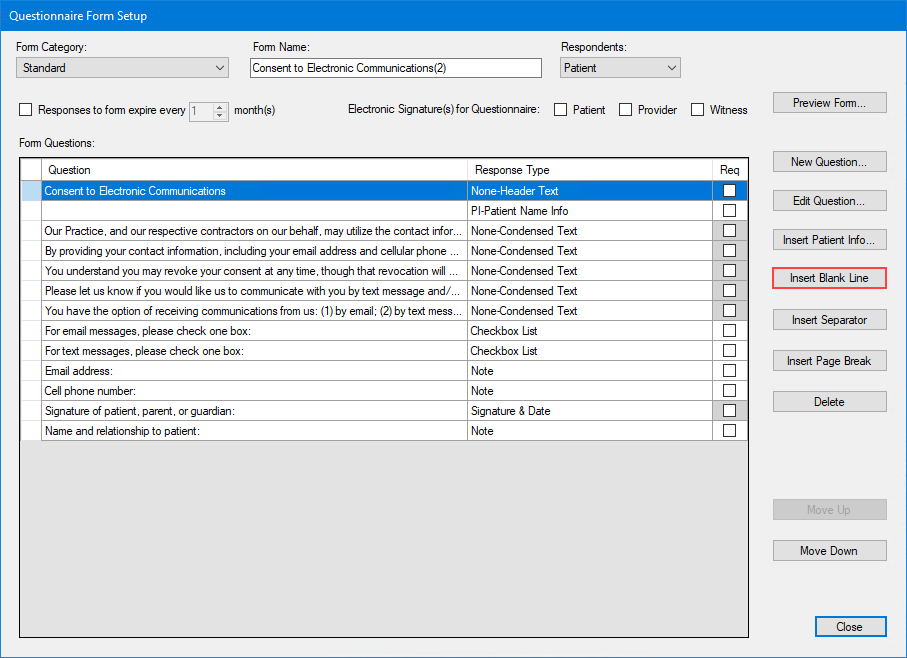
2. To insert a blank line, select the row below which you want to place the blank line, and then click Insert Blank Line.